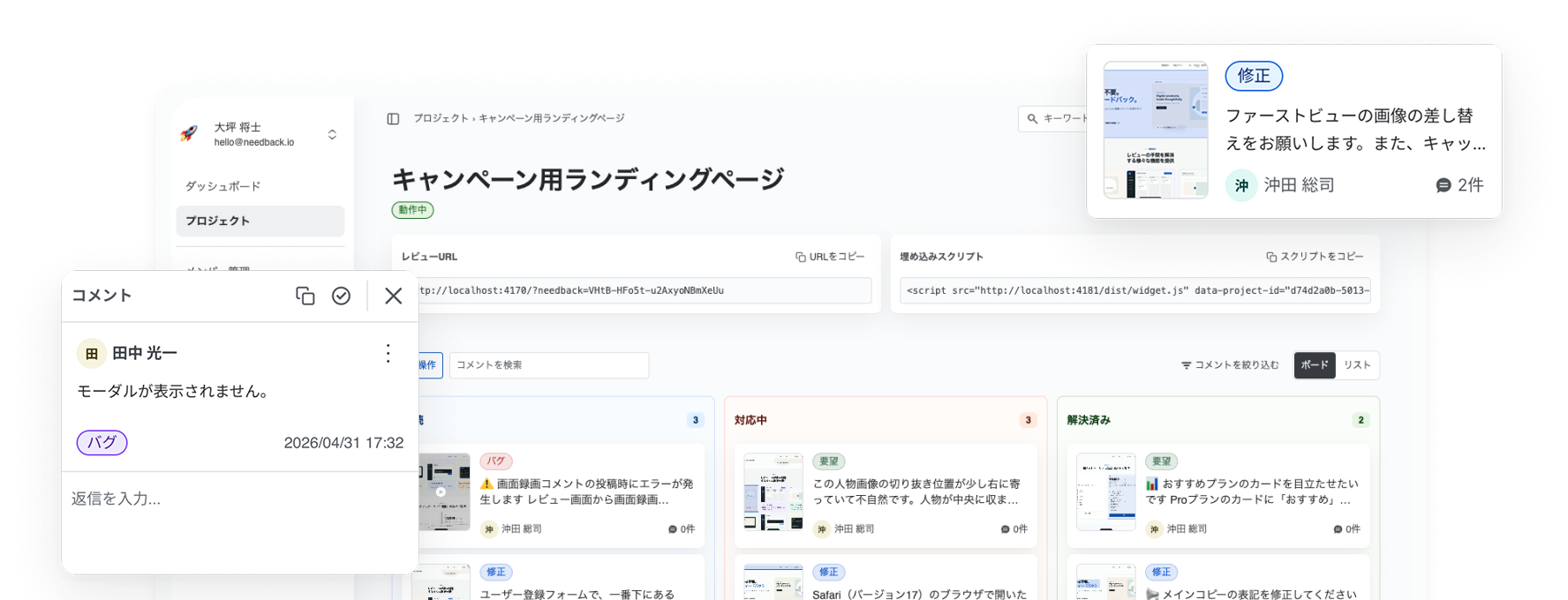
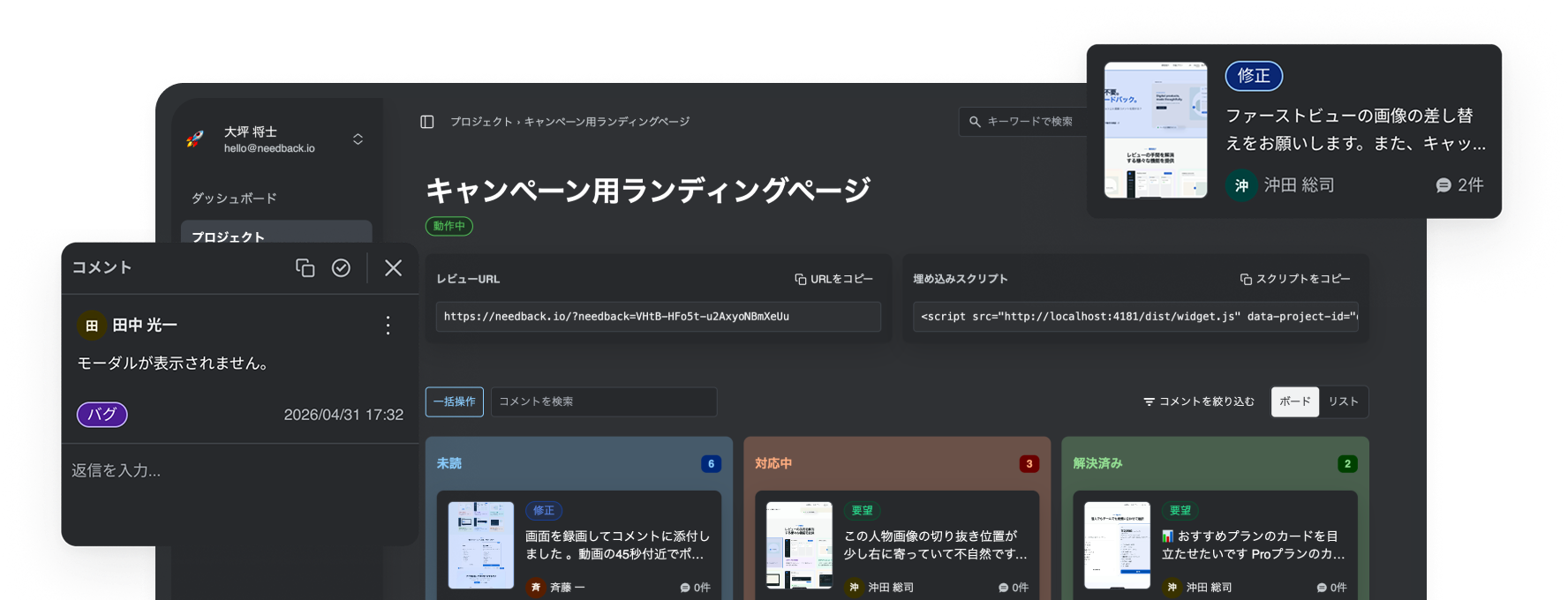
Features
Everything you need to take the work out of review
No account required
Reviewers can start leaving feedback as soon as they open the review URL.
Automatic screenshots
A screenshot is captured with every comment, keeping the exact location easy to find.


Share motion with recording
Capture up to 90 seconds of screen and audio for feedback that is precise and easy to follow.


Managed by status
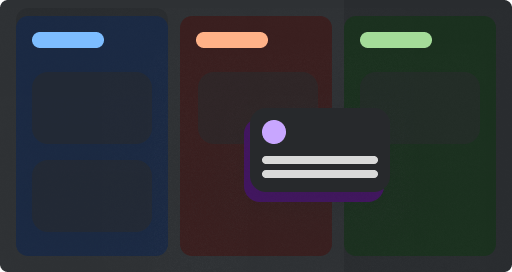
Track every comment by status in the Console so nothing falls through the cracks.

Just embed one script
Install the generated embed code on the page you want to review and you are ready to go.
MCP for AI agents
With MCP, AI agents can read and reason about the feedback you receive.


All features
Every feature in NeedBack, with availability across Free and Pro.
| Feature | Free | Pro |
|---|---|---|
| Comments pinned to the pageCapture the target, URL, viewport, and scroll position | Included | Included |
| One-line embedAdd one script tag to any existing website | Included | Included |
| Account-free reviewReviewers start with only a display name | Included | Included |
| Evidence screenshotsAutomatically save the screen and target with each comment | Included | Included |
| Screen-recorded commentsAttach up to 90 seconds of screen and audio | Included3 / month | Included50 × members / month |
| Threaded repliesKeep questions and answers with each comment | Included | Included |
| Status managementTrack unaddressed, in-progress, and resolved work | Included | Included |
| Category managementCreate, reorder, and archive color-coded categories | Included | Included |
| Board and list viewsSwitch the comment overview to match the task | Included | Included |
| Cross-project dashboardSee volume, resolution rate, and activity across projects | Included | Included |
| New activity notificationsGet notified about comments, replies, and assignments | Included | Included |
| Team roles and assigneesInvite members, assign roles, and set comment owners | Not included | IncludedUnlocks at 2+ seats |
| Markdown / CSV / evidence ZIP exportExport comments, replies, evidence, and metadata | Not included | Included |
| Deleted comment recoveryRestore comments and evidence from the trash | Not included | IncludedFor 30 days |
| AI and MCP integrationRead comments and update status from an AI agent | Included1 video frame | Included8 video frames |
Simple to start
Install the tag and share the URL
Create a project in the Console and add the embed tag to the page you want reviewed.
Then open the review URL and start leaving feedback.